Hidden objects games・find game0.1.1
Publisher Description


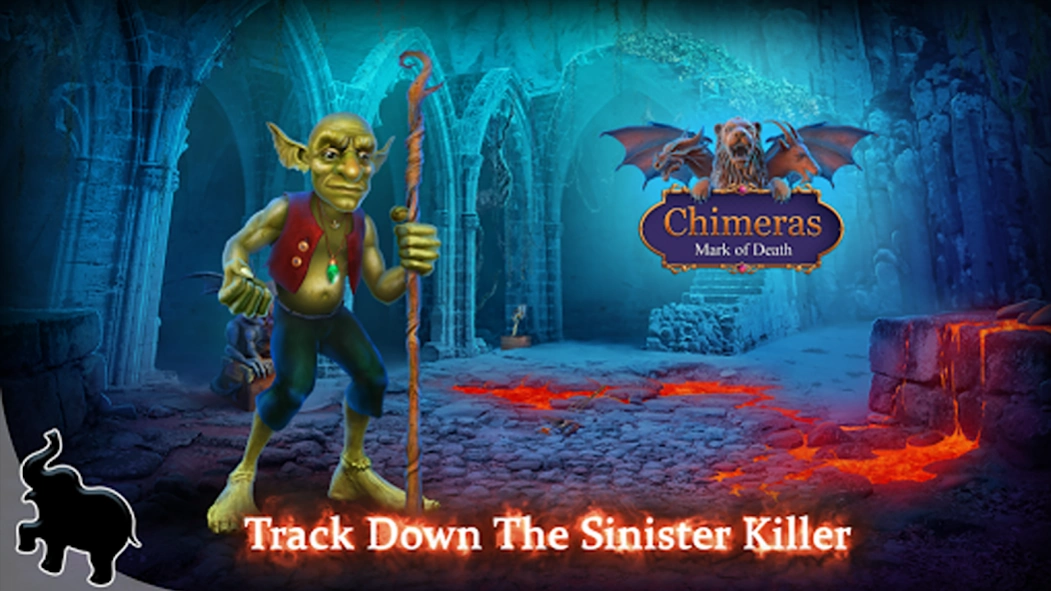

Find the items & hidden pictures・hidden objects challenge & hidden objects games
Hidden object adventure games in premium hub.
Enjoy Elephant’s hidden object adventure games and chat with co-players!
Premium game Hub (gamebox) allows you to keep all games in one app. It is a new way of enjoying the stories and uncovering all the mysteries. Games like Chimeras, Christmas Stories, Crossroads, Cursed Fables, Detectives United, Grim Tales, Haunted Hotel, Mystery Trackers, Paranormal Files - all your favorite series in just one place. Are you ready to have more hidden object adventure games?
EXCLUSIVE DISCOUNTS
Hub (gamebox) subscribers have the access to the exclusive discounts, keep all games in one app. Are you ready to have more hidden object games?
STAYING TUNED
Be one of the first to get the most recent news and unique offers by using the gamebox!
CHAT FOR PLAYERS
Chat with other players from all over the world! And have the best game experience with your gamebox!
SAVING PROGRESS
Premium Hub allows you to save the in-game progress which you can restore on any device.
Follow us on Facebook: https://www.facebook.com/elephantgames/
Fan Group on Facebook: https://www.facebook.com/groups/879523402683950
About Hidden objects games・find game
The company that develops Hidden objects games・find game is Elephant Games AR LLC. The latest version released by its developer is 0.1.1.
To install Hidden objects games・find game on your Android device, just click the green Continue To App button above to start the installation process. The app is listed on our website since 2023-03-24 and was downloaded 2 times. We have already checked if the download link is safe, however for your own protection we recommend that you scan the downloaded app with your antivirus. Your antivirus may detect the Hidden objects games・find game as malware as malware if the download link to com.elephantgames.eghubhiddenobjects.googpremium is broken.
How to install Hidden objects games・find game on your Android device:
- Click on the Continue To App button on our website. This will redirect you to Google Play.
- Once the Hidden objects games・find game is shown in the Google Play listing of your Android device, you can start its download and installation. Tap on the Install button located below the search bar and to the right of the app icon.
- A pop-up window with the permissions required by Hidden objects games・find game will be shown. Click on Accept to continue the process.
- Hidden objects games・find game will be downloaded onto your device, displaying a progress. Once the download completes, the installation will start and you'll get a notification after the installation is finished.
Program Details
System requirements
Download information
Pricing
Version History
version 0.1.1
posted on 2023-03-24
Minor bugs fixes
